User Guide
You can view user guide here
- Registration for alpha by Thai Credit (For Customers with Biometrics)
- Registration for alpha by Thai Credit (For Customers without Biometrics)
- Transaction History
- Transfer
- Bill Payment
- Top up
- Slip Check
- Personal Limits
- Notification
- SCB Cardless Withdrawal
- Cash Deposit at Counter Service
- Counterservice Withdrawal
- Statement Request
- Lock / Unlock Accounts
- Bio Authentication Amount
- Find Service Point
- Recommended Fishing Park Game
- How to Open alpha savings Account for New Customer of Thai Credit Bank
- How to Open alpha savings Account for Existing Customer of Thai Credit Bank without alpha by Thai Credit
- How to Open alpha savings Account for Existing Customer of Thai Credit Bank with alpha by Thai Credit that Change Device
- How to Open alpha savings Account for Existing Customer of Thai Credit Bank with alpha by Thai Credit
- alpha savings Account Closing
- Thai Credit Bank Branch Verification
- Counter Service Verification
- NDID Verification - Verify Digitally
- NDID Verification - Verify with National ID Card
- How to Add Fixed Item for Existing Customer of Thai Credit Bank via alpha by Thai Credit.
- How to Change Term for Maturity Item on alpha by Thai Credit
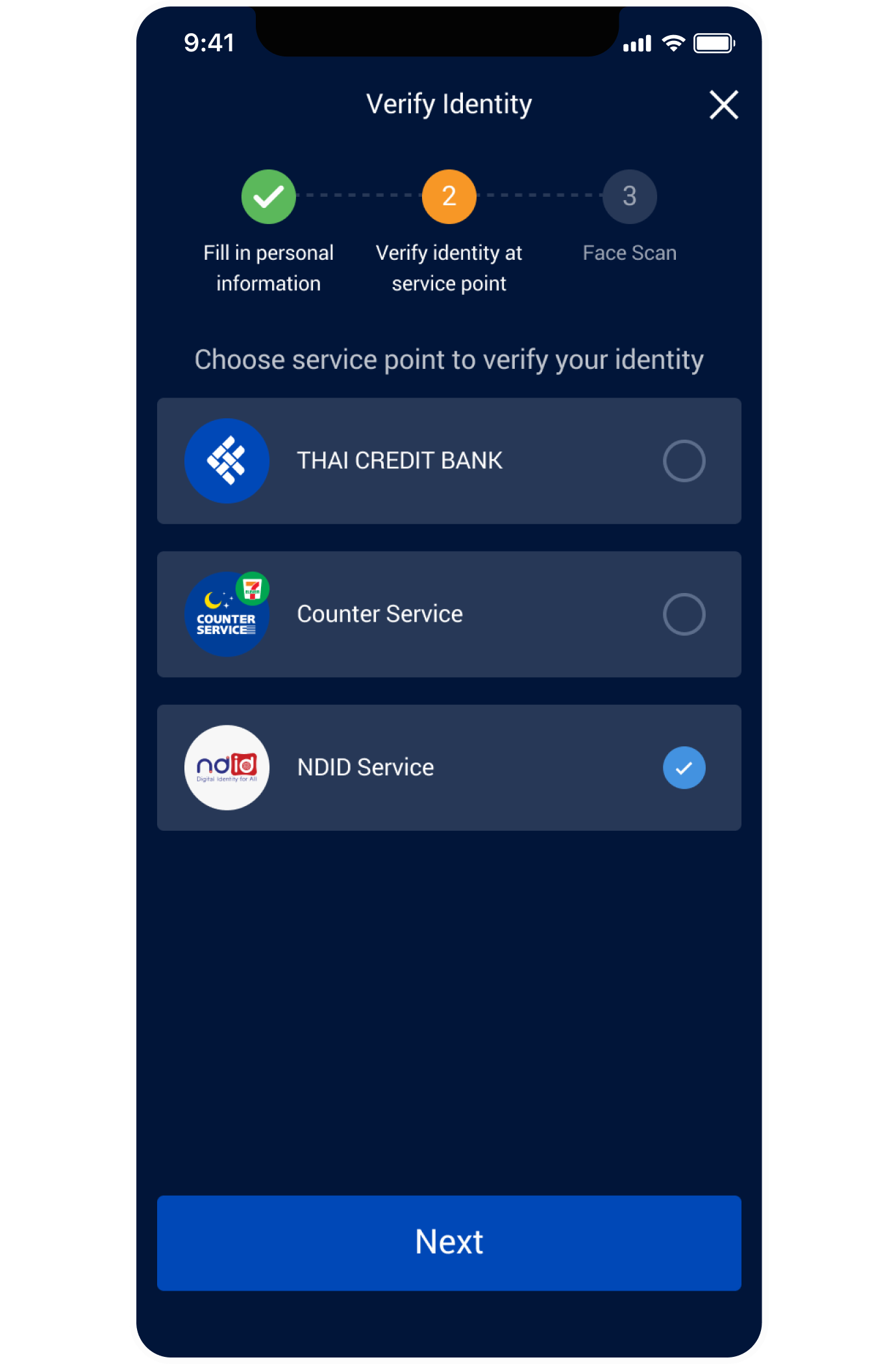
Select the NDID Service for verification.
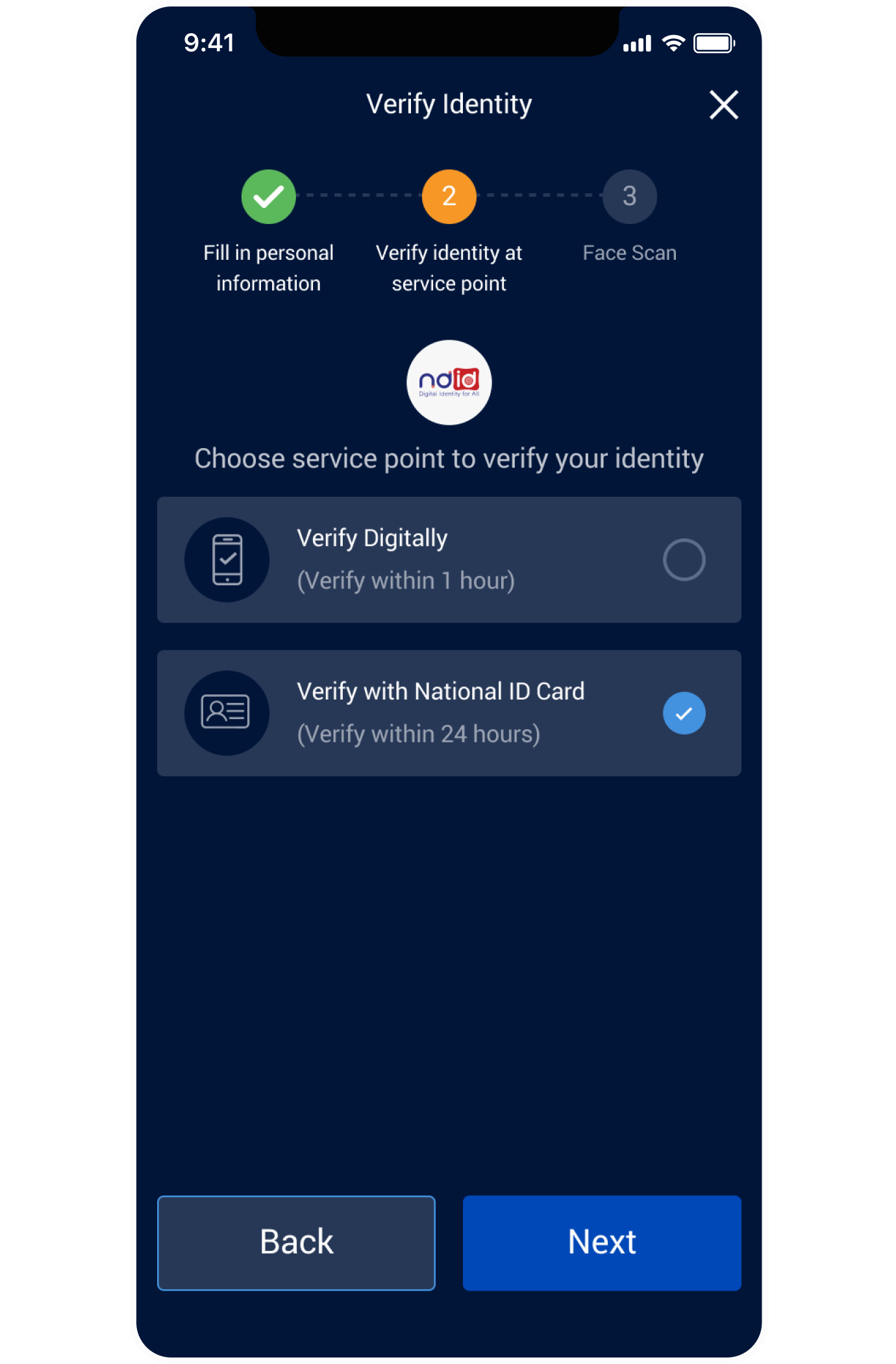
Select the NDID Service for verify with National ID Card.

Understand the NDID service Terms and Conditions before accepting to continue.

Select the provider where you wish to verify your identity.
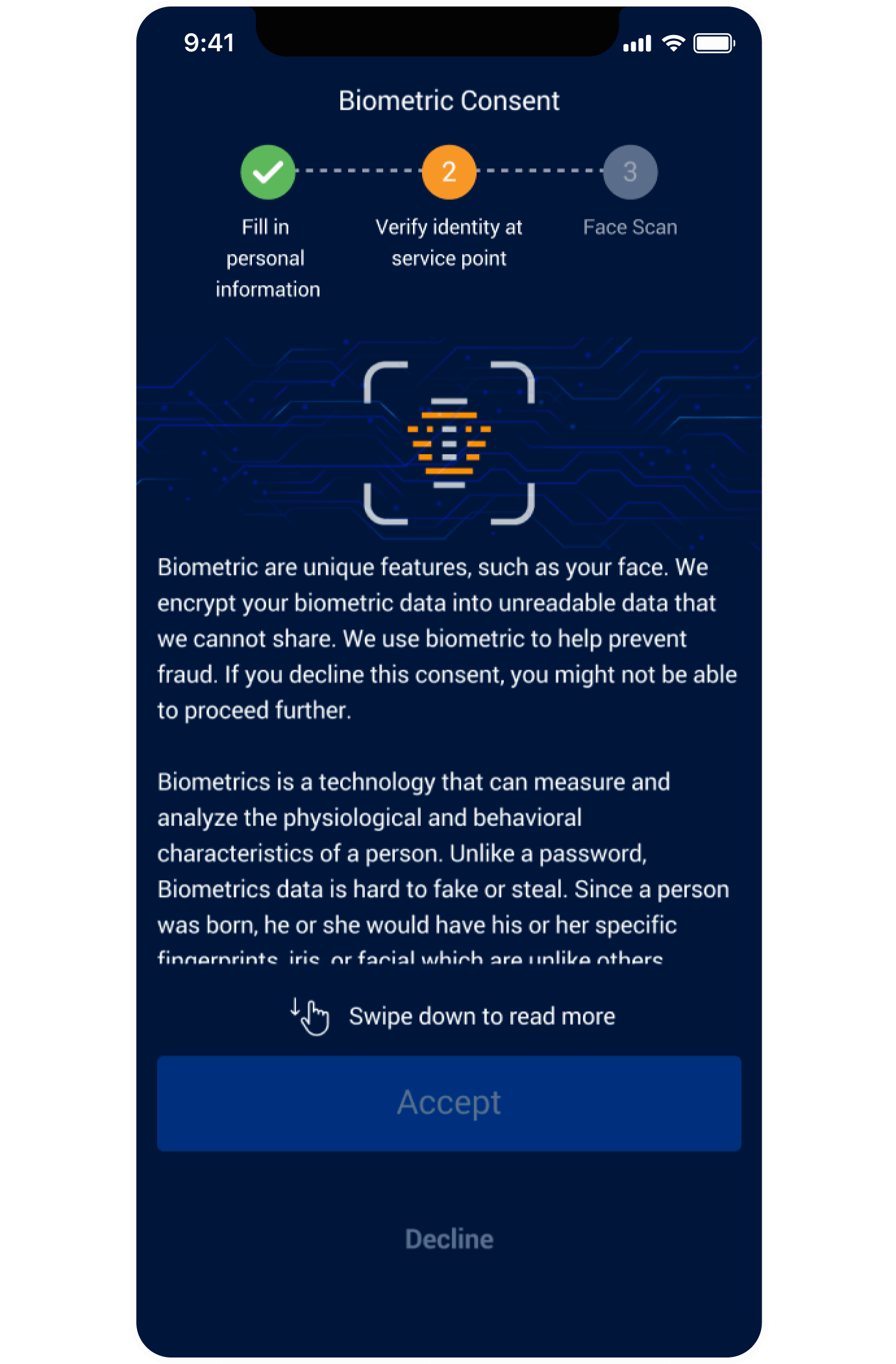
Accept Biometrics Consent to continue.

Answer question about twins for use in Biometrics.

Shows identity verification details with the selected identity provider.

Please verify your identity with your National ID card. Once complete, return to continue the transaction at alpha by Thai Credit.
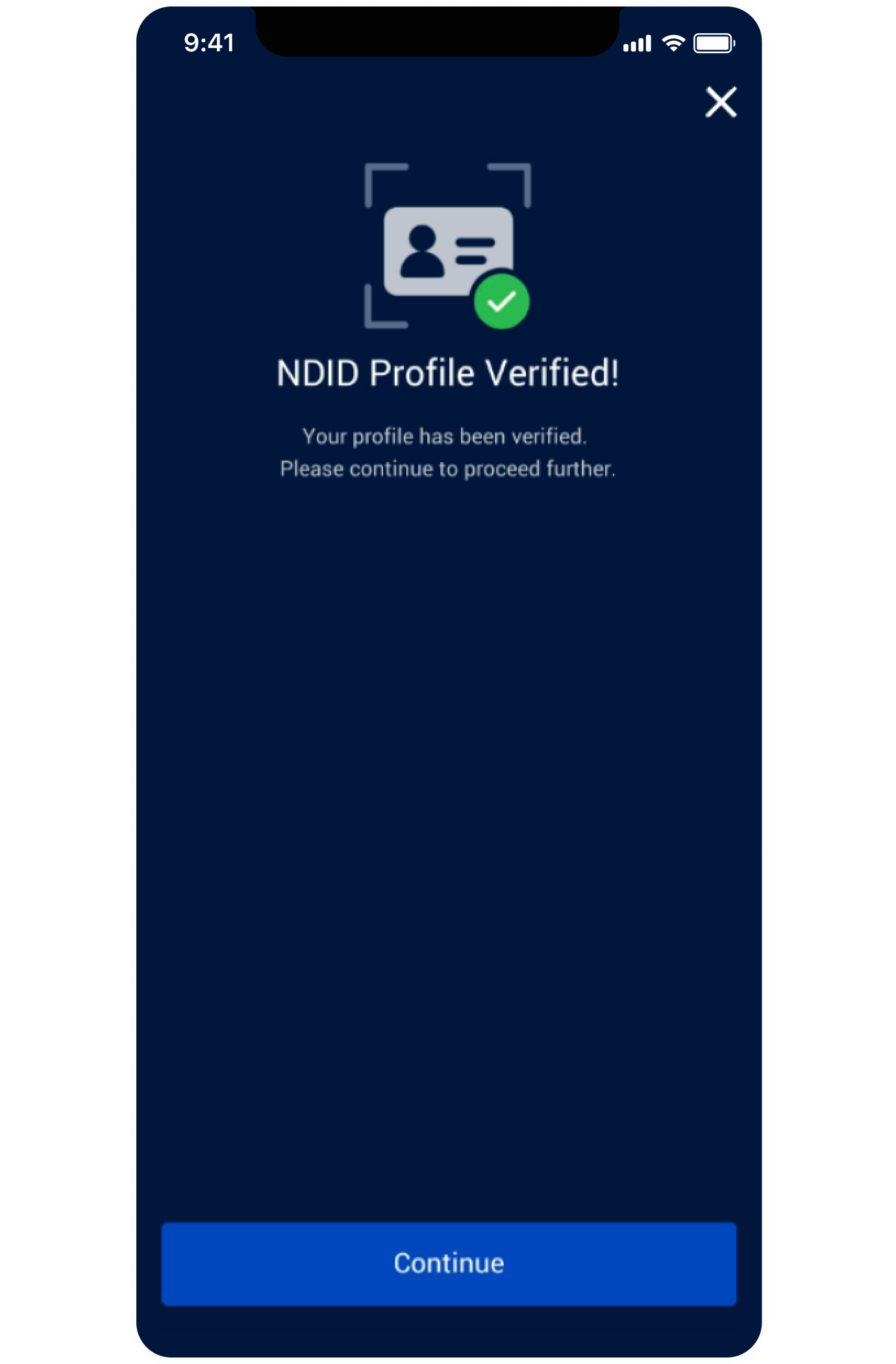
Upon successful completion of eKYC verification, please tap "Continue" to open an alpha savings account by following the instructions in the follwing menu. How to Open alpha savings Account for New Customer of Thai Credit Bank from No.17